
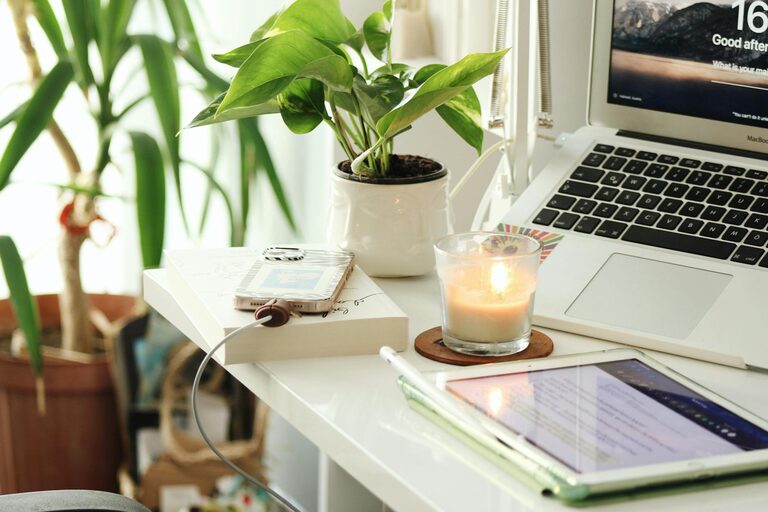
Creating a home office that balances comfort and productivity is key to making remote work enjoyable and efficient. Whether you are new to working from home or want to improve your current setup, a cozy office space can inspire focus and creativity. Here are some helpful tips to design a home office that nurtures both comfort and efficiency.
Choose the Right Location
Find a Quiet Space
Select a spot in your home where you can work with minimal distractions. A room with a door is ideal, but if that’s not possible, find a corner away from busy areas like the kitchen or living room. This helps you mentally separate work from home life.
Consider Natural Light
Try to position your desk near a window to benefit from natural sunlight. Daylight can improve your mood and energy levels, making it easier to concentrate. If natural light is limited, invest in good quality task lighting to reduce eye strain.
Invest in Comfortable and Functional Furniture
Ergonomic Chair
A comfortable chair that supports good posture is essential for long working hours. Look for adjustable height and lumbar support to avoid back pain and fatigue.
Desk Space That Fits Your Needs
Choose a desk that offers enough surface area for your computer, paperwork, and other essentials without feeling cluttered. If space is tight, a foldable or wall-mounted desk can be a great solution.
Organize for Efficiency
Use Storage Solutions
Keep your workspace tidy with shelves, drawers, or filing cabinets. Label containers and use trays or baskets for small items like pens, cables, or notebooks. Organized spaces help reduce stress and increase productivity.
Declutter Regularly
Set aside time each week to clear unnecessary items off your desk. A clean environment can promote clearer thinking and better focus.
Personalize Your Space
Add Inspiring Decor
Incorporate personal touches like artwork, plants, or photos to make your office feel inviting. A small plant can improve air quality and add a touch of nature, while motivational quotes or pictures can keep you inspired.
Choose Soothing Colors
Opt for calming and neutral tones for walls and furniture to reduce distractions. Soft colors like light blues, greens, or warm neutrals help create a peaceful atmosphere.
Optimize Technology and Tools
Reliable Internet and Equipment
Ensure your internet connection is stable to avoid interruptions during virtual meetings. Invest in quality headphones and a good microphone for clear communication.
Keep Essential Tools Handy
Place frequently used items like chargers, notebooks, and stationery within easy reach. Use cable organizers to keep cords neat and prevent tangling.
Create Healthy Habits
Take Regular Breaks
Remember to step away from your desk every hour to stretch or walk around. This practice can improve circulation and prevent burnout.
Incorporate Movement
Consider a sit-stand desk or use a balance ball chair to vary your posture throughout the day. Movement helps maintain energy and reduces discomfort.
Control Sound and Distractions
Use Noise-Canceling Solutions
If noise from other parts of your home is an issue, try noise-canceling headphones or white noise machines. Soft background music can also enhance concentration for some people.
Establish Boundaries
Communicate your work hours with family or housemates to minimize interruptions. Use signage or signals to indicate when you are in focus mode.
Maintain Good Lighting
Layer Your Lighting
Combine ambient lighting with task lights to brighten your workspace adequately. A desk lamp with adjustable brightness can help reduce eye strain during late work sessions.
Avoid Screen Glare
Position your computer screen to avoid reflection from windows or lights. Use anti-glare screen protectors if needed to ensure comfortable viewing.
—
By paying attention to these details, you can create a home office that feels like a true workspace sanctuary—one that encourages productivity while remaining cozy and inviting. A personalized, well-organized, and supportive environment will help you make the most of your work-from-home experience.